DaisyDisk vs GrandPerspective, and a third option
These are the two disk maps most Mac guides recommend, and they are more different than their reputations suggest. DaisyDisk is a polished $9.99 sunburst that deletes for good. GrandPerspective is a free, open source treemap that deletes nothing until you turn deleting on in its preferences. Both are maintained. Which to pick comes down to four questions, answered below from each app's own documentation.
Key takeaways
- DaisyDisk: $9.99 once, a sunburst, deletes permanently, explains hidden space, scans cloud drives, macOS 10.13 or later.
- GrandPerspective: free (or $2.99 on the App Store), an unlabelled treemap, deletes to the Trash only if you enable it, collects nothing, macOS 14 or later for new versions.
- Neither documents a duplicate finder, an uninstaller or junk cleaning; both are maps.
- If you want a map and the tools to act on it, with nothing deleted for good, that is the gap Strata fills.
Written by the maker of Strata, the third option at the end. DaisyDisk facts come from daisydiskapp.com and its guide; GrandPerspective facts from its website and help pages; both checked on 27 September 2026.
At a glance
| DaisyDisk | GrandPerspective | |
|---|---|---|
| Price | $9.99 once, up to 5 Macs | Free; $2.99 on the App Store |
| Map | Sunburst, with a side list | Treemap, names on hover |
| Deleting | Permanent, 5 seconds to cancel | To the Trash; off by default |
| Hidden and purgeable space | Explained; purgeable can be freed (direct edition) | Shows free and "miscellaneous used" space |
| Cloud drives | Dropbox, Google Drive, OneDrive, Box | Can analyse cloud storage folders |
| Search, filters, export | Not documented | Search by name, filters, image and text export |
| Privacy | No analytics; licence check with a hardware ID | Collects nothing; no network at all |
| Open source | No | Yes, GPL |
| Needs | macOS 10.13 | macOS 14 (3.7.2 for 11 to 13) |
| Latest | 4.34.2, 10 July 2026 | 3.8.1, 13 September 2026 |
1. Which map reads better to you?
DaisyDisk draws a sunburst: the folder you are in at the centre, its contents as rings around it, each segment as wide as its share of the space. In its guide's words, "Colored petals are folders, grey ones are files." Depth is easy to follow, and the folder you point at is listed beside the chart.
GrandPerspective draws a treemap: every file a rectangle, its area in proportion to its size, files in the same folder side by side. It uses every pixel for size, so one enormous file stands out at once, but its rectangles carry no names: a file's name shows at the bottom of the window when you point at it. You can colour the map by extension, folder, age or size, which makes patterns jump out.
There is no right answer. Try both on the same folder; most people know within a minute.
2. How do you want deleting to work?
This is the biggest practical difference, and it is the opposite of what their prices might suggest.
DaisyDisk's guide says it permanently removes files and folders instead of moving them to the Trash, so the space is recovered at once. You collect items, press Delete, and have five seconds to cancel. After that they cannot be undeleted.
GrandPerspective's deleting is off by default. Turned on in its preferences, for files or for whole folders, it moves items to the Trash, with an optional confirmation. Its help warns that deleting a folder moves all of it, including files the view is not showing.
3. Do you need to see into hidden space?
A disk's used space is always more than the folders you can see. DaisyDisk is strong here: it shows a "hidden space" item broken down into purgeable space and the rest, can free purgeable space in its direct edition, can scan as administrator through a helper it installs, and can list and delete APFS snapshots. Its Mac App Store edition is sandboxed and only detects hidden and purgeable space.
GrandPerspective, with "Show entire volume" on, shows the free space and the "miscellaneous used space" it could not attribute to a file, with a help page on what that usually is. Its documentation does not mention purgeable space or snapshots.
4. How much do you care about openness and privacy?
Both are good. DaisyDisk's specs say it "Does not track any statistics or analytics", and its App Store listing says "Data Not Collected"; its licence check sends a hardware ID to count your Macs. GrandPerspective's privacy page says it collects no personal or usage data and "does not share any data over the network", and its source is published under the GPL.
The verdict
Choose DaisyDisk if
you want the friendlier map, you need to understand hidden and purgeable space, you scan cloud drives, or your Mac runs macOS 10.13 to 10.15. Accept that deleting is permanent.
Choose GrandPerspective if
you want free and open source, you like to search, filter and export, you want nothing on the network, and you are on macOS 14 or later.
A third option, if you want to act on what you find
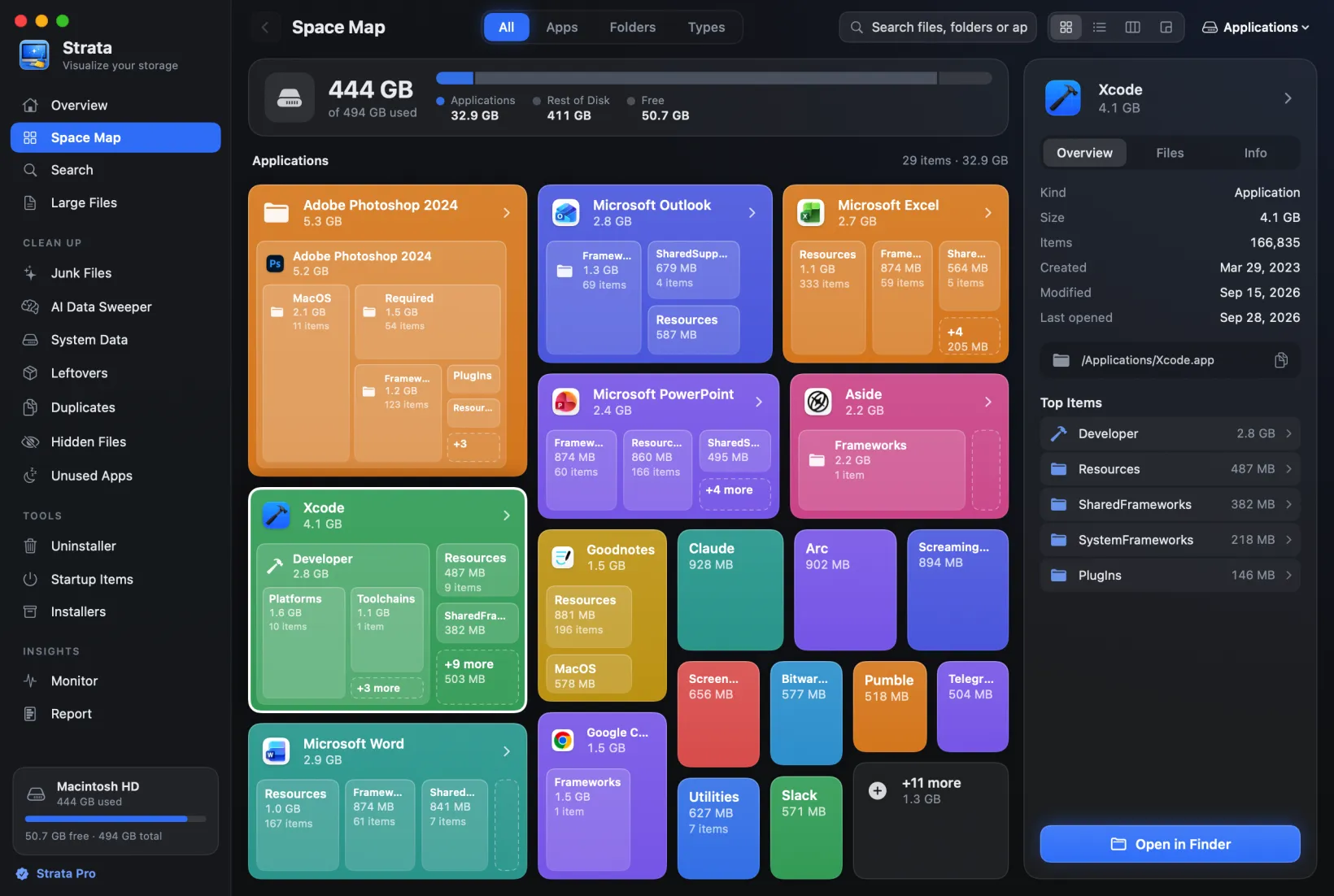
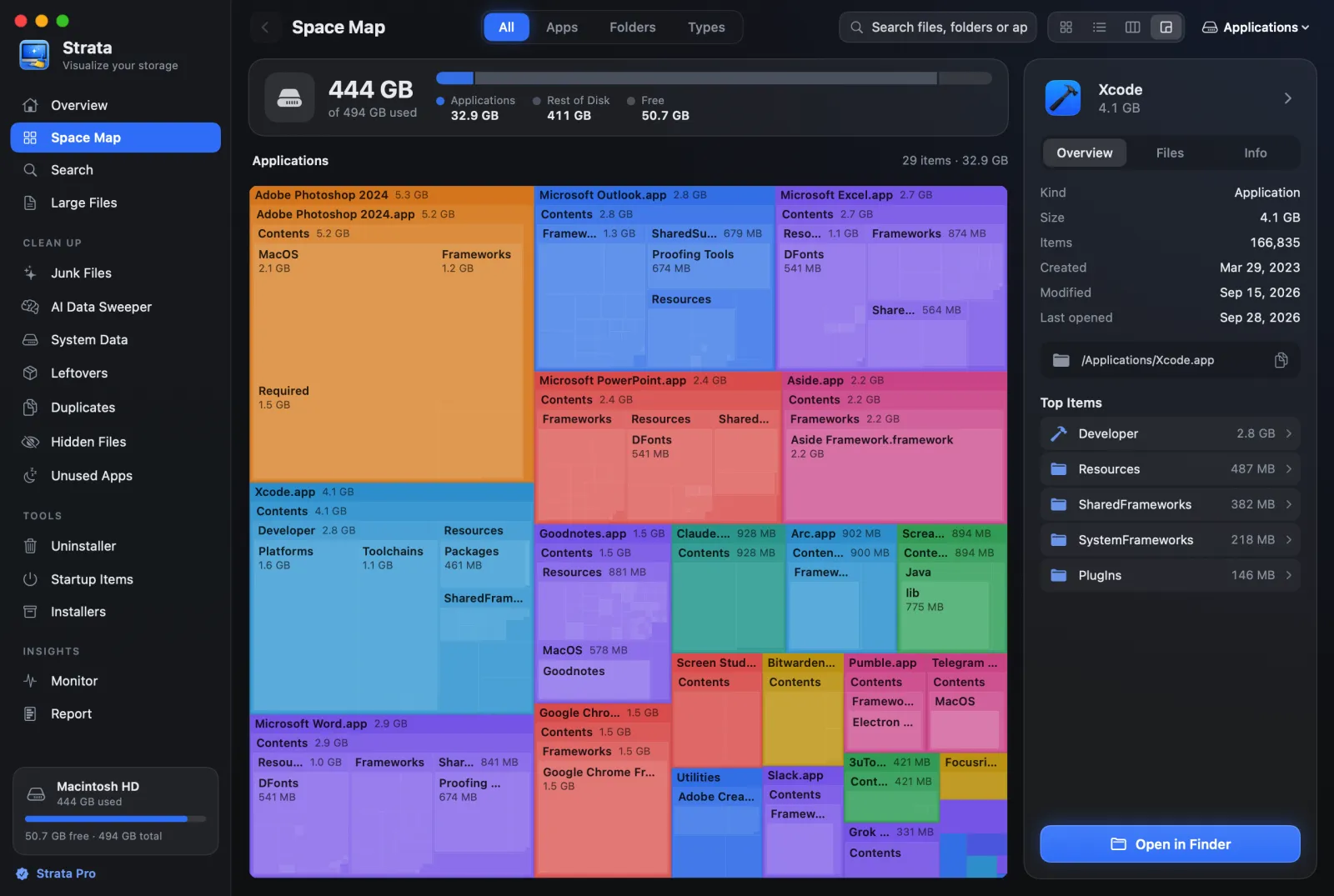
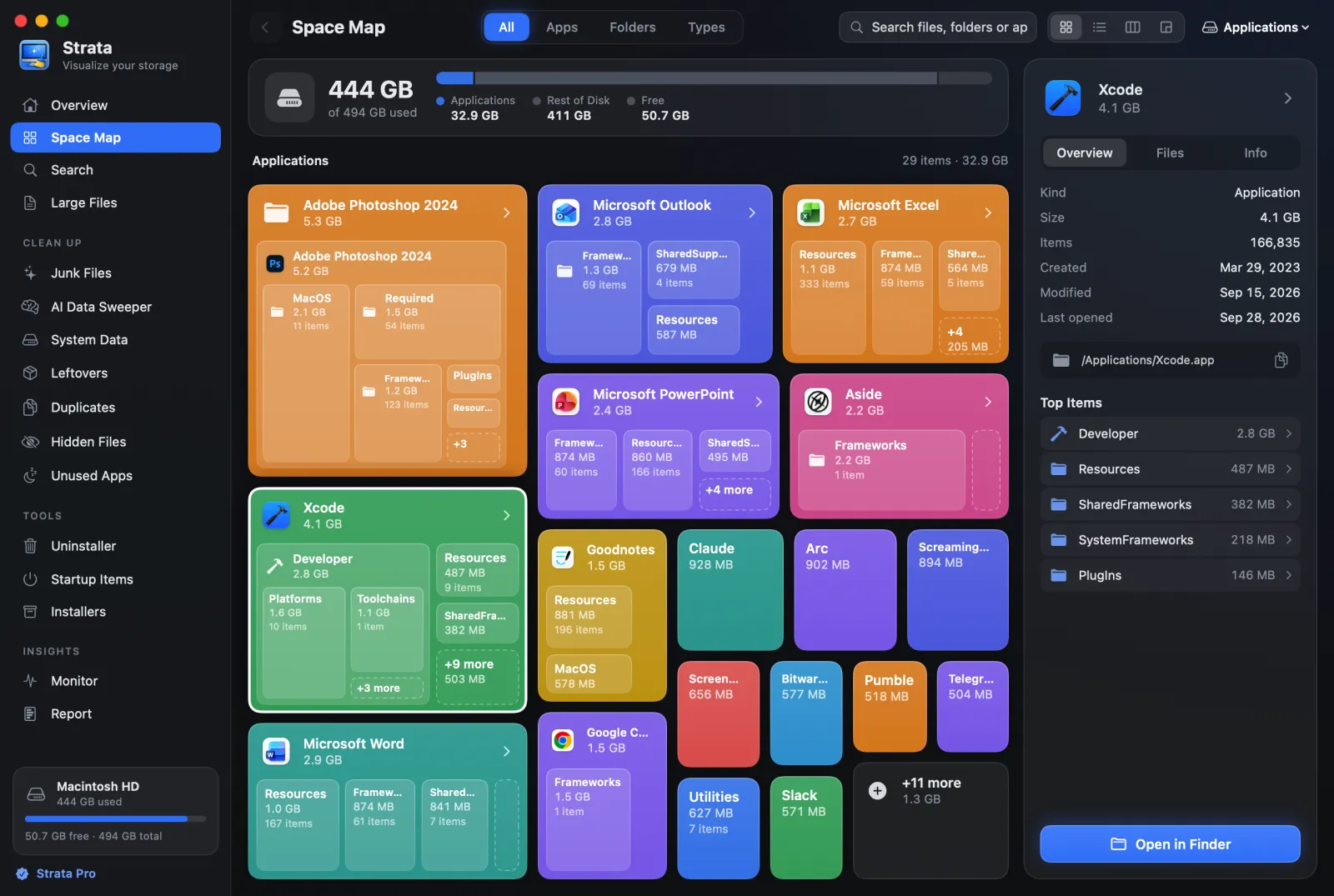
Both are maps. Neither finds duplicates, uninstalls an app with its leftovers, or clears caches: DaisyDisk's own FAQ and specs say so, and GrandPerspective's documentation describes none of them. Strata, which we make, is a map with those tools beside it. It shows a folder as labelled cards, a treemap, a list or columns; its clean-up rooms tick only what nobody will miss; and it only ever moves things to the Trash. The map is free; removing is $9.99 once, for every Mac you own. It needs macOS 13 or later.
Frequently asked questions
Is DaisyDisk better than GrandPerspective?
Better at some things: explaining hidden and purgeable space, scanning cloud drives, listing the folder you point at beside the map, and running on macOS 10.13 or later. GrandPerspective is free, open source, collects nothing, moves deletions to the Trash, and can filter, search and export. Neither finds duplicates or uninstalls apps.
Is GrandPerspective safe?
Yes, in the ways that matter here. Its privacy page says it collects no data and shares nothing over the network, deleting is off by default, and when turned on it moves items to the Trash. It is open source under the GPL.
Which is better, a sunburst or a treemap?
A sunburst shows how deep things are nested, ring by ring, which makes folder structure easy to follow. A treemap uses the whole area for size, which makes one huge file easy to spot. Which reads better is personal: try both on the same folder.
Compare all three on your own Mac
DaisyDisk's trial and GrandPerspective are free to try. So is Strata: the scan and map are free forever, and every download starts with 14 days of Strata Pro.