How-to guides: all pages
How to put back something you removed
Everything Strata removes goes to the Trash, so everything can come back until you empty it. Right after a removal, one click; later, Finder's Put Back.
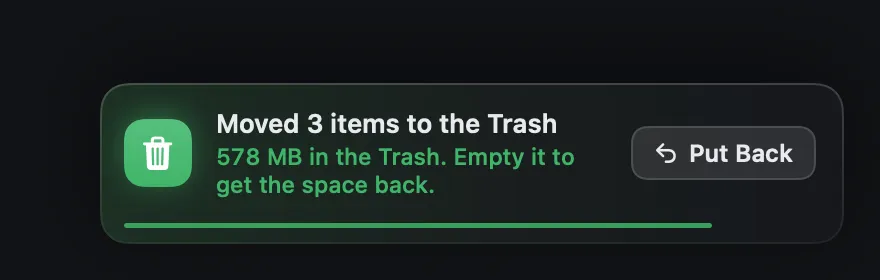
Right after a removal
-
Find the notice
At the bottom right of Strata's window: "Moved 3 items to the Trash", with how much is now in the Trash. It stays ten seconds; rest the pointer on it to stop the clock.
-
Press Put Back
The latest batch you moved goes back where it was, and a notice says how many came back.
Later, from Finder
-
Open the Trash
Click the Trash in the Dock.
-
Select what you want back
Sort by Date Added to find a recent batch. Hold Command to select several.
-
Choose File, Put Back
Or right-click and choose Put Back. Each item returns to the folder it came from. This works even if you never open Strata again.
When something cannot come back
- The Trash was emptied. Then it is gone, except from a backup such as Time Machine. Strata never empties the Trash; only you can.
- Something else now has its name and place. Put Back never overwrites. Drag the item out of the Trash by hand, to a place of your choosing.
- The folder it came from is gone. Put Back has nowhere to return it; drag it out of the Trash instead.
- Finder deleted it immediately. When an item cannot go in the Trash, such as on some network drives, Finder says it will delete it immediately and asks first. After that, it cannot be put back.
Wait before emptying the Trash. After a big clean-up, leave the Trash a day or two and use the Mac as usual. If nothing is missed, empty it then.