Documentation: all pages
Duplicates
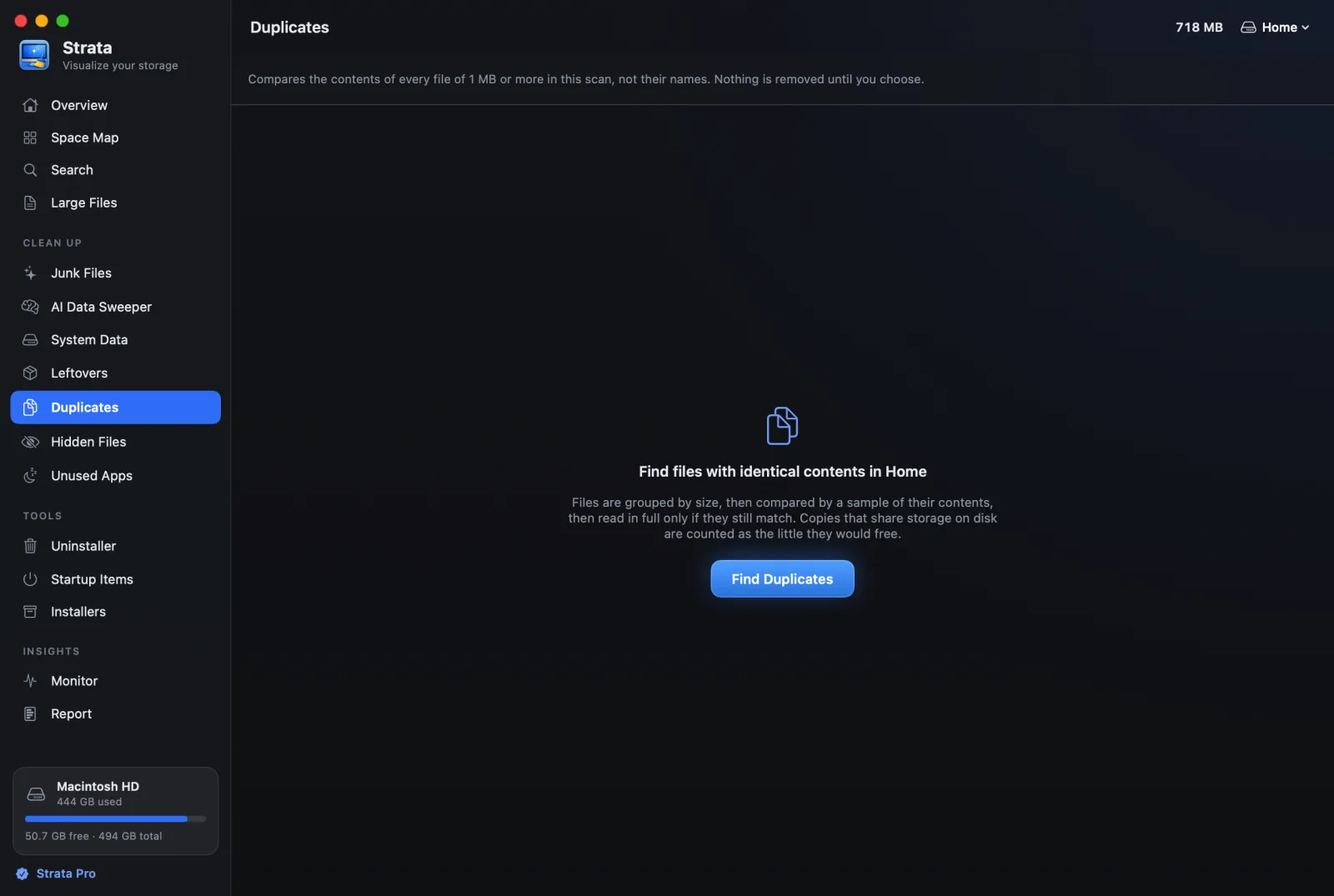
Duplicates finds files with identical contents, whatever they are called, among the files of 1 MB or more in the last scan. It never runs by itself, nothing starts ticked, and it counts copies that share storage as the little that removing them would free.
How it compares files
Press Find Duplicates. Because it reads what is inside files, it only runs when you ask, and it needs a finished scan. It works in three passes, shown on screen as it goes:
- Sizes. Files are grouped by size. A file with a size nothing else shares cannot have a duplicate, which rules out most files at once.
- Samples. For the files that remain, 16 KB from the start and the end of each are compared.
- Whole files. Only files that still match are read in full and compared by a SHA-256 fingerprint.
Two files are called duplicates only when their entire contents match. Names and dates play no part in it. Stop ends the search at any point.
Where it never looks
- Inside apps, bundles or packages, and inside the Photos, Music and TV libraries, whose apps manage their own files;
node_modulesand similar folders, where identical files are normal;- anything hidden, including
.gitfolders and the Trash; - your Library, the Applications folders, and macOS's own folders;
- files kept only in iCloud.
These are the places where a "duplicate" is usually there on purpose, and removing it would break something.
Reading the results
Each set of identical files is headed by the size of one copy and how many there are, and says how much removing the extra copies would free. Each copy's row gives its folder and date, and one is marked suggested to keep.
Some copies free nothing when removed, and Strata says so:
- a clone, sharing its storage: an APFS clone, which shares its blocks with the original until one of them changes;
- one of N names for the same file: a hard link, where several names point at one file;
- shares part of its storage.
Which copy it suggests keeping
Place first, never dates. In order of preference: a folder you named, then Documents, Desktop, Pictures, Movies or Music, then anywhere else, and Downloads last. Between two copies in similar places, a name without "(1)", "copy" or "conflicted" wins.
At the top of the list, Select Extra Copies ticks every copy but the one to keep in each set, leaving alone any copy whose removal would free nothing. Its Keep… menu changes which copy is kept: Keep the Original (the suggested one), Keep the Newest or Keep the Oldest. Select None clears the ticks.
If you tick every copy of a file, Strata warns you: "That removes every copy of at least one file, not just the extras." It still lets you, because you may want the file gone altogether.
Removing them
Move to Trash… opens the confirmation sheet. The Space Map and the totals are corrected at once, without a new scan, and Put Back returns the batch.
Why duplicates build up and the places a duplicate finder should never be pointed at are in How to find duplicate files on a Mac without deleting the wrong one.