How-to guides: all pages
How to keep Strata out of the Dock
From 1.0.40, Strata can keep to the menu bar while its windows are closed, with no Dock icon and no place in the app switcher. It joins the Dock while a window is open, and whenever its menu bar icon is out of reach.
What you need
- Strata 1.0.40 or later. It updates itself; About Strata, in the Strata menu, shows the version.
- Strata's icon in the menu bar, which is on unless you turned it off: the switch needs it.
Steps
-
Open Settings
Click Strata's icon in the menu bar and the gear in its panel, or press Command , with Strata's window in front.
-
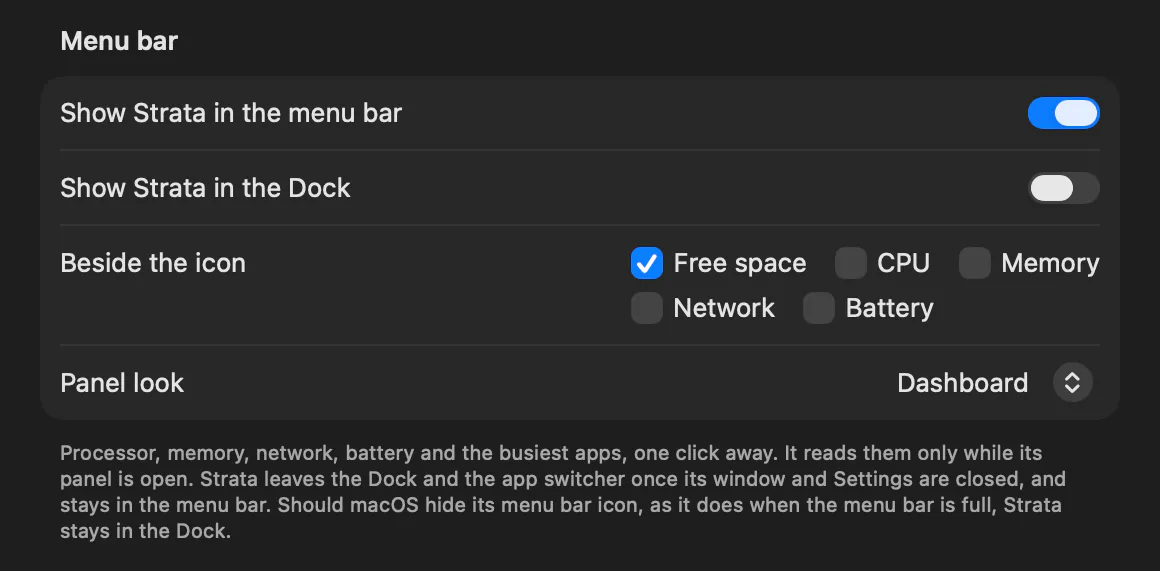
Switch off Show Strata in the Dock
It is in the General tab, under Menu bar. The text under the switches then adds Strata leaves the Dock and the app switcher once its window and Settings are closed, and stays in the menu bar. Nothing changes while Settings is open.
-
Close Settings and Strata's window
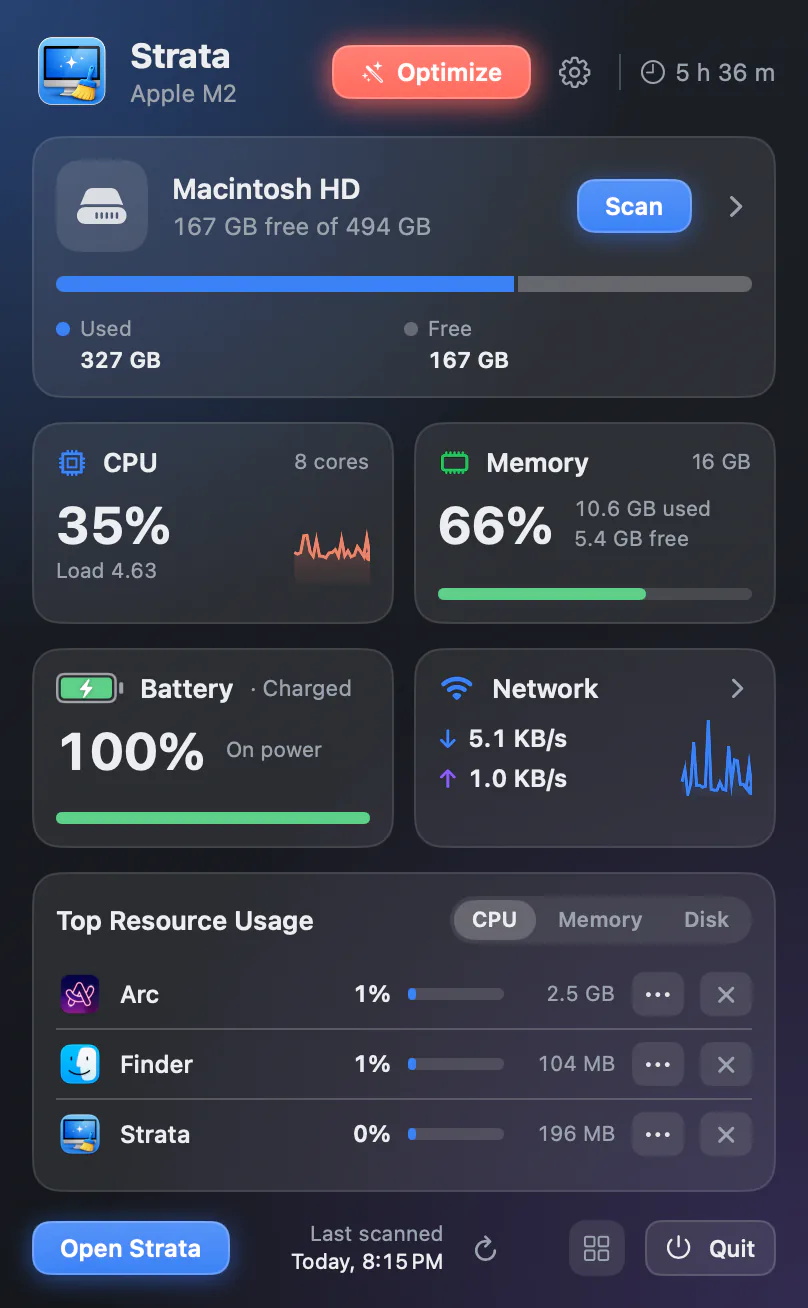
Strata leaves the Dock and the app switcher, and stays in the menu bar. Its icon there opens the panel, and the panel opens the window.

While a window is open
Open Strata's window, or Settings, and Strata is back in the Dock with its menus, so Command Tab and the Strata menu work as usual. Close them, and it leaves the Dock again. Turn the switch back on, and Strata stays in the Dock as it did before 1.0.40.
When Strata stays in the Dock anyway
You can always get back to Strata: it stays in the Dock while its menu bar icon is out of reach. That happens on a menu bar too full to show it, behind the camera housing of a MacBook with a notch, or when you take the icon out yourself. It leaves again once the icon is back. A menu bar hidden for an app in full screen, or set to hide by itself, does not count, since macOS brings it back.
If you turn off Show Strata in the menu bar, just above, Show Strata in the Dock turns on and is dimmed. It stays on when you turn the menu bar icon back on, so switch it off again to leave the Dock.
The menu bar settings list every switch there, and the menu bar page describes the panel. For other apps, our guide to hiding an app's icon from the Dock covers what macOS itself offers.